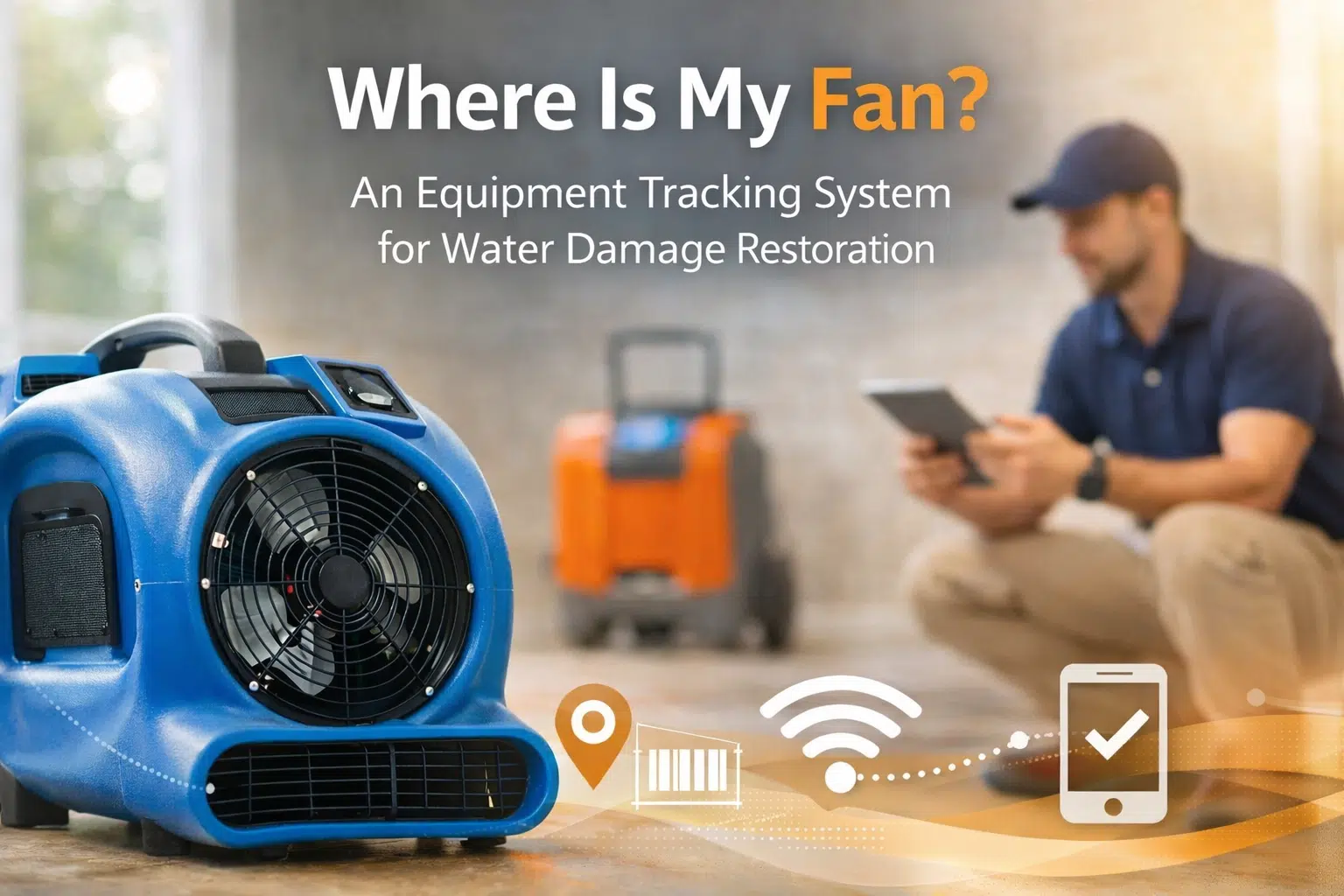
We had enough equipment this morning. Tonight, you are short two fans, one dehu, and nobody can tell you what job they are on.
Let me be direct. In water damage restoration, you cannot grow profitably without an equipment tracking system you actually use every day. Not during slow weeks. Every day. And you can get a working equipment tracking system live in 7 days.
The honest answer: most “lost” gear is not stolen. It is untracked during handoffs, rushed dispatch changes, and messy demos.
This post follows the exact Clarity Ops Engine structure:
- Identify the Lost Equipment problem.
- Explain the operational management solution using 5 proven equipment tracking system options.
- Show how Clarity Ops Engine fixes it hands-on so it sticks.
1) Identify the Lost Equipment Problem in Water Damage Restoration
The pattern: “Lost” really means “untracked”
In water damage restoration, equipment does not disappear into a black hole. It disappears into:
- the wrong truck
- the wrong job folder
- the wrong storage unit
- the garage of a tech who meant well
- the corner of a basement you forgot to check during demob
When you do not have a real equipment tracking system, your business starts making expensive assumptions:
- “We must be short on dehus.” So you buy more.
- “It must still be on that job.” So you leave it longer.
- “Someone must have grabbed it.” So you stop trusting your team.
- “I guess we can bill for 3 days.” So you guess on billing and eat the difference.
Goal: Turn assumptions into facts.
The real cost of lost equipment (it is not just the $1,200 unit)
Look, a missing $900 air mover hurts. But the hidden costs are usually bigger.
Common findings I see in water damage restoration operations:
- Duplicate purchases because nobody knows what is actually available.
- Time waste driving back to the shop (20-45 minutes each way) because a truck was loaded wrong.
- Delayed dry-outs because the right equipment is not where it should be.
- Billing leakage because you cannot prove runtime and placement.
- Team friction because everyone blames everyone.
The math (a realistic scenario):
- 2 techs spend 30 minutes hunting and swapping equipment 4 days/week
- That is 4 hours/week
- At $28 to $45/hour loaded cost, that is roughly $450 to $720/month in pure waste
- Add one duplicated dehu purchase every 60-90 days ($1,100 to $1,800)
- Add 1 under-billed equipment line per week ($60 to $220)
You are easily at $1,500 to $4,500/month in avoidable loss.
And none of it shows up as a single line item labeled “chaos.”

Why water damage restoration companies lose equipment
Pattern: equipment loss happens at transitions.
Where it breaks most often:
- Warehouse to truck
- Rush load, no checklist, no scan, “I think we grabbed two scrubbers.”
- Truck to job site
- Equipment gets staged, moved to another room, or swapped with a second crew.
- Crew handoff
- Emergency hits, crew changes, nobody knows what is actually onsite.
- Job site to demob
- “We got everything” becomes “we got most things.”
- Demob to warehouse
- Items sit in trucks, trailers, or storage without being logged back in.
Reality check: telling your team to “be more careful” does not work. You need an equipment tracking system that makes the right action the easy action.
Red flags you already need an equipment tracking system
If you are in water damage restoration and any of these are true, you are overdue:
- You own “extra” equipment you cannot explain.
- You have equipment you only find during spring cleaning.
- You rent storage but cannot list what is inside without checking.
- You cannot confidently answer “what is available today” in under 60 seconds.
- Your invoices rely on memory for equipment days.
Goal: Get to one source of truth.
2) The Equipment Tracking System Solution (5 Proven Options)
What an equipment tracking system must do (minimum standard)
Before we talk tools, here is the minimum definition of an equipment tracking system that actually works in water damage restoration:
- Unique ID on every asset (air movers, dehumidifiers, scrubbers, injectidry, meters, heaters)
- Simple check-in and check-out tied to a job and a person
- Time stamps for when it left and when it returned
- Single place to view everything right now, not last week
- A rule for every handoff so visibility does not die at transitions
If a tool does not help with those five things, it is not a system. It is a spreadsheet you will abandon.
Goal: Visibility without heroics.
Tracking System 1: QR code labels plus a shared app (fastest to implement)
This is the most common starter equipment tracking system for water damage restoration because it is cheap and simple.
What it looks like:
- Weatherproof QR code labels on every piece of equipment
- A phone-based scanning app
- A job list inside the app (or a job number field)
- A rule: scan out, scan in, scan transfers
Pros:
- Low cost
- Fast setup (1-2 days)
- Easy for techs, no special hardware
Cons:
- If you do not enforce scanning, adoption slips
- Garbage in, garbage out
Best for:
- Companies doing 10 to 60 jobs/month
- Teams that will follow a checklist if you make it easy
Tracking System 2: Barcode labels plus a dedicated scanner (warehouse friendly)
Same concept as QR, but better for warehouse speed.
What it looks like:
- Barcodes on gear
- A handheld scanner in the warehouse
- A simple check-out station by the door
Pros:
- Faster for bulk movements
- Less “my phone died” excuses
Cons:
- Slightly higher cost
- Still needs process discipline
Best for:
- Shops where a dispatcher or warehouse lead loads multiple trucks daily
Tracking System 3: Restoration CRM equipment module (when you want job, docs, and tracking connected)
Some restoration CRMs include equipment lists, job association, and usage reporting. When this is set up right, it can become a solid equipment tracking system for water damage restoration.
What it looks like:
- Equipment is assigned to a job inside the same platform you schedule jobs in
- Equipment days are captured for billing support
- Notes and photos can be attached
Pros:
- Less double entry
- Better documentation for insurance files
- Cleaner invoicing
Cons:
- Setup matters a lot
- Tech experience can be clunky if fields are too many
Best for:
- Owners who want the equipment data to drive billing and reporting
Tracking System 4: GPS trackers on high-dollar or high-walkoff items (selective, not everything)
GPS is not a full equipment tracking system by itself, but it is a useful layer for the most painful losses.
What it looks like:
- GPS tags hidden or secured on high-dollar equipment
- Alerts for leaving a geo-fenced area
- Location map when something goes missing
Pros:
- Helps recover true theft or true loss
- Strong deterrent on the right items
Cons:
- Monthly fees
- Battery maintenance
- Not ideal for every air mover you own
Best for:
- High-dollar equipment, trailers, large drying systems, specialty tools
Tracking System 5: Two-bin staging plus a daily audit board (the simple physical system that prevents most loss)
You can build an equipment tracking system with physical flow, not just software.
What it looks like:
- A defined staging zone for “Ready to Go” equipment
- A defined return zone for “Needs Clean and Check In”
- A daily 10-minute audit: what is out, what is due back, what is idle
- A single person accountable for the audit
Pros:
- Reduces the chaos in the warehouse immediately
- Prevents the “it is somewhere in a truck” problem
- Makes missing items obvious fast
Cons:
- Still needs a digital record if you want billing and proof
Best for:
- Teams that are struggling with basic warehouse flow
- Owners who want an immediate operational win this week
The reality: tools do not fix behavior, process does
You might think the best software wins.
It does not.
The best equipment tracking system for water damage restoration is the one your team will actually use when the day is on fire and the phone is ringing.
So your decision should be based on:
- How many handoffs you have per day
- Who loads trucks (techs vs. warehouse lead)
- How messy your job documentation is today
- How willing you are to enforce “no scan, no move”
Goal: Build a system that survives busy season.
The non-negotiable operating rules (this is where most systems fail)
If you want your equipment tracking system to work in water damage restoration, these rules cannot be optional:
- Every move gets logged
- Warehouse to truck
- Truck to job
- Job to truck
- Truck to warehouse
- Job to job transfer
- No scan, no movement
- If it did not get scanned, it did not happen.
- Daily audit
- 10 minutes, same time each day
- One person accountable
- Exception handling
- Phone dead? Scan at return. Note the exception. Do not shrug.
- Emergency? Use a “quick out” method and reconcile by end of day.
- Maintenance tie-in
- If it returns broken, it gets flagged immediately, not two weeks later.
Goal: Make the right behavior automatic.

A 7-day implementation plan (DIY version)
If you want a working equipment tracking system in water damage restoration fast, here is a realistic plan.
Day 1: Inventory and scope
- List every equipment type you own
- Pick the first 50 to tag (your most expensive and most commonly moved)
- Decide your naming convention (AM-001, DH-001, AS-001)
Day 2: Label and log
- Apply QR or barcode labels
- Capture: ID, equipment type, serial number, condition notes
- Create a “retired” status so nothing disappears from the list
Day 3: Build check-out and check-in workflows
- Define exactly when scanning happens
- Add it to your job checklist
- Decide who is responsible at each step
Day 4: Train in 30 minutes
- Show the team how to scan
- Show them what happens if they skip it
- Give them a one-page SOP
Day 5: Go live
- Start with one crew or one branch
- Expect friction, fix it immediately
Day 6: Audit and clean up
- Review what is missing in the system
- Fix naming, job linking, and user permissions
Day 7: Lock the rules
- “No scan, no move”
- App becomes the source of truth
- Schedule the daily audit owner
Timeline: You can have a real equipment tracking system running in one week. Not perfect. Real.
Goal: Week 1 visibility.
3) How Clarity Ops Engine Fixes Equipment Loss Hands-On
You can absolutely DIY parts of this. Most owners can label equipment and pick an app.
Where it breaks is adoption, integration, and enforcement.
This is the work we do at Clarity Ops Engine as fractional COO support for small businesses, including water damage restoration companies who need an equipment tracking system that actually gets used.
The truth: you do not need advice, you need implementation
Most consultants deliver recommendations.
We deliver a working system.
What we fix hands-on:
- The process, not just the tool
- The handoffs, not just the warehouse
- The team adoption, not just the setup
- The documentation, not just the tracking
Goal: A system that still works 6 months from now.
Phase 1: Identify the operational failure points (Week 1 to Week 2)
The pattern: owners guess where losses happen. We map it.
Deliverables:
- A full equipment flow map (warehouse, trucks, jobs, storage, subcontractors)
- A list of failure points by transition
- A “lost equipment” root cause summary in plain English
- A baseline scorecard:
- % of equipment with unique IDs
- % of moves logged
- Average days equipment stays out
- Monthly replacement spend
- Hours wasted hunting equipment
What you provide:
- Current equipment list (even if messy)
- Access to job calendar
- 30 to 60 minutes with your lead tech or dispatcher
Goal: Stop guessing and start targeting.
Phase 2: Build the equipment tracking system and SOPs (Week 2 to Week 6)
This is where your equipment tracking system becomes real.
We do the hands-on build:
- Pick the tool with you based on how your shop actually runs
- Set up naming conventions, user roles, and job linking
- Create the scanning workflows for each transition
- Build a one-page SOP for:
- Check-out
- Check-in
- Job-to-job transfers
- Exceptions and emergencies
- Broken equipment return
We also fix the warehouse flow:
- Staging zones
- Return zones
- Visual cues
- Responsibility and coverage when someone is out
Success metrics:
- 90%+ of gear tagged by end of Week 4
- 80%+ of moves logged by end of Week 6
Goal: Make the system easy to follow on a bad day.
Phase 3: Make it stick with training, audits, and accountability (Week 6 to Week 12)
This is the part most teams skip. Then they blame the app.
What we implement:
- A daily 10-minute audit routine
- A weekly exceptions review (what did not get scanned and why)
- A simple accountability loop:
- who moved it last
- what job it went to
- when it is due back
- A reporting cadence for you:
- equipment utilization
- idle time
- replacement spend trends
- aging report by job
What changes in your business:
- You stop panic-buying equipment
- Techs stop burning time searching
- Billing gets cleaner because you can prove placement
- Owners stop being the equipment detective
Goal: Track it, bill it, recover it.

Real transformation example (anonymized)
A growing water damage restoration company doing roughly $250K to $450K/month had a recurring problem: equipment “lost” across 8 to 15 active jobs, plus two storage locations.
Before:
- Owner spent 3 to 6 hours/week texting crews about equipment
- They replaced or “added” roughly $2,800 to $6,200/quarter in equipment
- Invoices regularly undercounted equipment days because nobody could prove dates
After implementing an equipment tracking system with enforcement:
- Owner time spent chasing equipment dropped to 30 to 60 minutes/week
- Lost equipment incidents dropped by roughly 70% in 60 days
- They recovered multiple units they assumed were gone (over $8,000 found)
- Billing disputes decreased because they could pull time stamped usage
This is normal. Not magic. It is visibility plus follow-through.
What you will not have (honest assessment)
A working equipment tracking system for water damage restoration is powerful, but let me manage expectations:
- It will not prevent every theft.
- It will not fix a chronic performance problem with a tech by itself.
- It will not replace the need for leadership.
- It will not work if you allow exceptions forever.
What it will do: make the truth visible, fast.
Goal: Visibility that forces action.
DIY vs. Clarity Ops Engine support (pick the path that matches your bandwidth)
DIY is realistic if:
- You have 6 to 10 hours this week to label and set up the tool
- You have a lead tech who will enforce checklists
- You can stomach a messy first week while habits form
Clarity Ops Engine is the better fit if:
- You are already the bottleneck
- Your team has tried “systems” before and ignored them
- You want the equipment tracking system tied into job workflows and billing
- You need someone to run the rollout, train the team, and enforce the audit cadence until it is normal
Your next move (two options)
Option 1: Start today
- Tag 10 high-dollar pieces of equipment
- Pick one simple scan method
- Run a daily audit for 7 days
- Expand when the habit forms
Option 2: Stop losing equipment with hands-on help
If you want Clarity Ops Engine to implement your equipment tracking system inside your water damage restoration business, book a 30-minute call here: https://calendly.com/sdrobinson8/30min
Related Blogs
- Speeding Up the Check: Documentation Systems for Insurance Restoration
- The Hidden Cost of Paper and Pen: Why Manual Systems Are Killing Your Field Service Business
- The Dispatch Bottleneck: Simple Scheduling Systems for Field Teams
- SOPs That Actually Get Followed: How to Document Work Without Killing Speed